top of page
SnapChem AR
Project Type:
Hackathon Team Project
Role:
UX/UI & Spatial Experience Designer · AR Prototype Contributor · Pitch/Storytelling
Platforms:
Snap Spectacles · Lens Studio · Snap Cloud · Figma · Premiere Pro, Generative AI Tools
Location:
MIT - Massachusetts Institute of Technology
Timeline:
3–4 days (Hackathon sprint)

Project Overview:
SnapChem is a wearable AR learning prototype that combines physical molecular kits with AI guidance and cloud tracking to help students translate chemistry formulas into visible, interactive molecular understanding.
Problem:
Chemistry is often taught through formulas that students must mentally translate into invisible 3D structures and reactions. This gap between symbols → structure → behavior creates high cognitive load and makes learning feel abstract—especially when feedback is delayed or limited to “right/wrong” answers.
Goals
Make abstract chemistry visible and interactive while students build molecules.
Reduce cognitive load by connecting formulas, structures, and reactions in one flow.
Guide without replacing thinking—AI supports accuracy and learning moments, not shortcuts.
Enable progress tracking so learners can revisit what they built and learned over time.

Problem:
Idea:
Indoor navigation makes people stop, hesitate, and constantly “re-orient” using 2D maps.
Replace map reading with instinctive following through a calm companion and environment-anchored cues.
Solution:
Outcome:
A cat guide + ground-anchored Paw Trail + Target Point that reinforces spatial trust.
A coherent spatial UI concept + prototype direction for hands-free wayfinding on smart glasses.

Companion Guide (Cat)
A small cat companion walks slightly ahead, slows or pauses at decision points, and re-orients to guide the user without demanding attention.
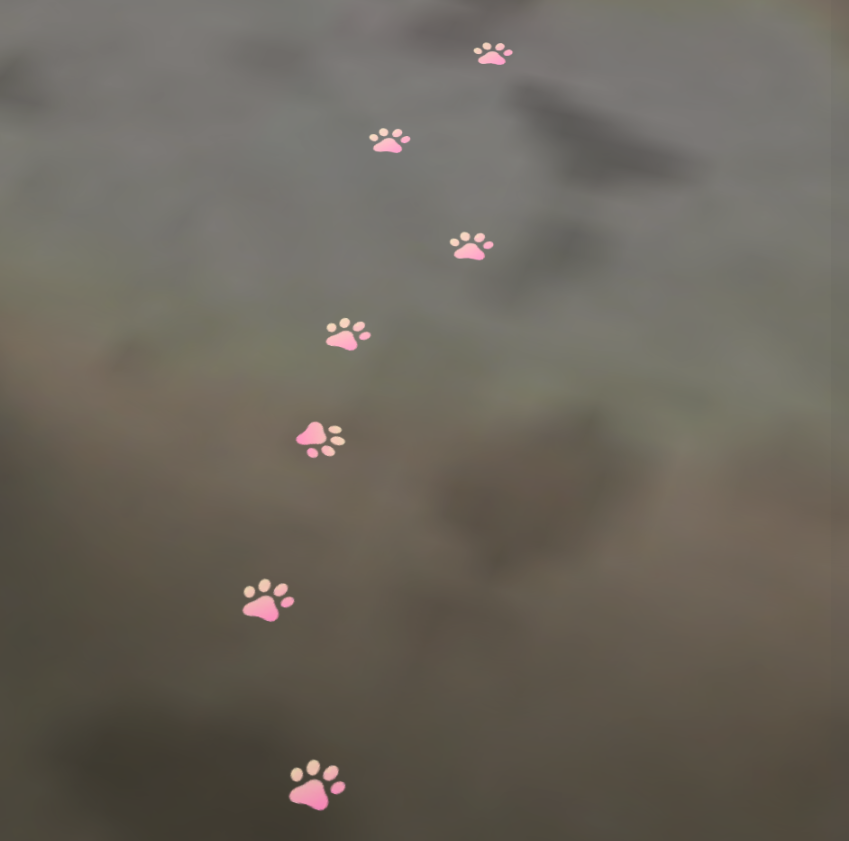
Paw Trail (Ground-anchored path)
A lightweight, low-opacity trail on the ground creates a “followable” route that feels connected to the space rather than floating UI.

Target Point (Destination confirmation)
A calm destination marker reassures users they’re going the right way and clearly communicates arrival.
The System
Mechanism (How it works)

Build
Students assemble molecules using a physical molecular kit.
Recognize
Computer vision detects what’s being constructed.


Visualize
Spectacles overlays AR feedback (structure, bonding, reaction behavior).
Guide
AI provides context-aware hints based on learning mode (check, identify, explain).
Save
Snap Cloud stores progress for review and continued practice.

Testing & Results
.jpeg)
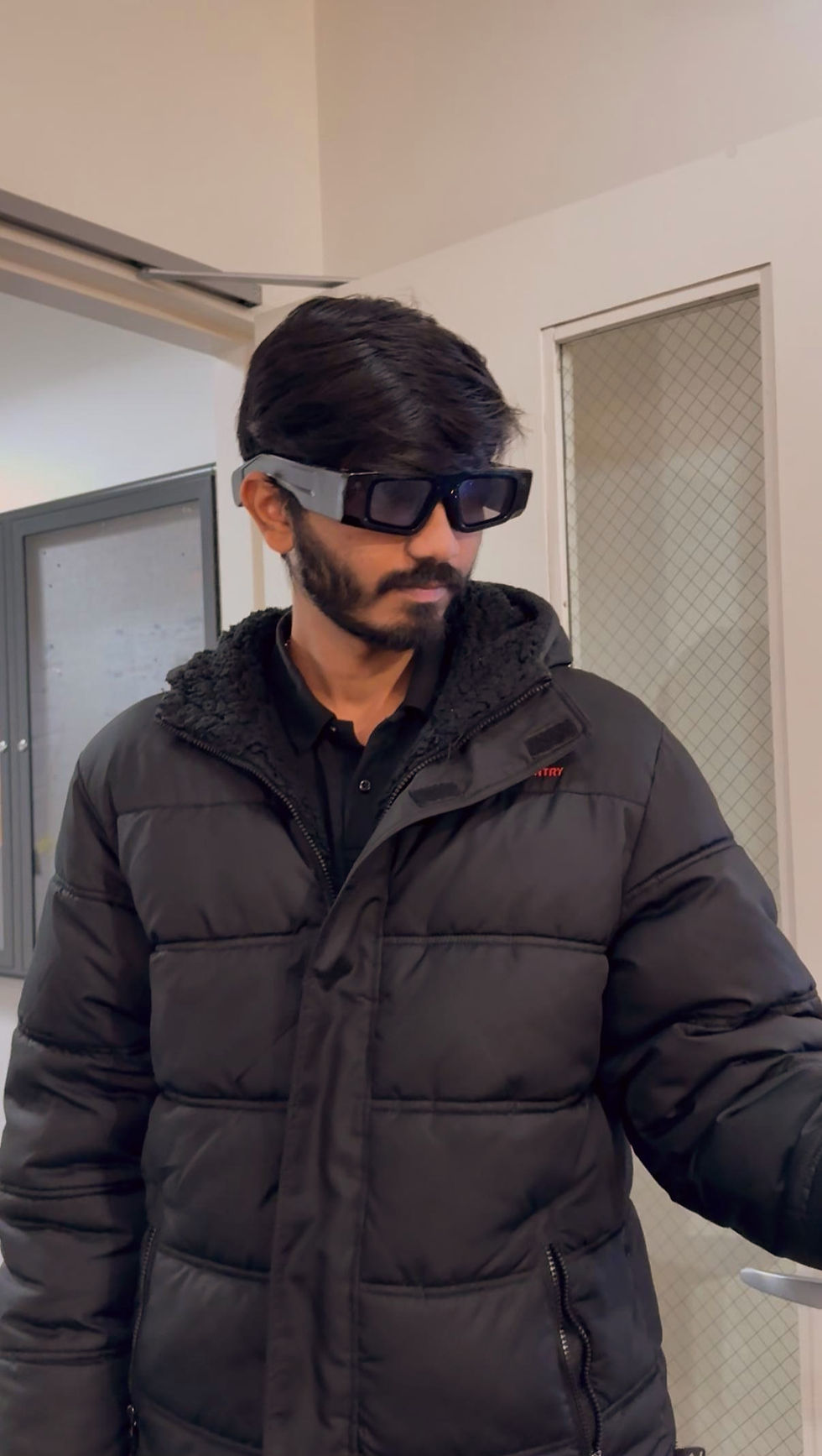
The only “issue”?
Our companion cat was so cute that some testers forgot the route and just wanted to pet it. 😺
What worked well:
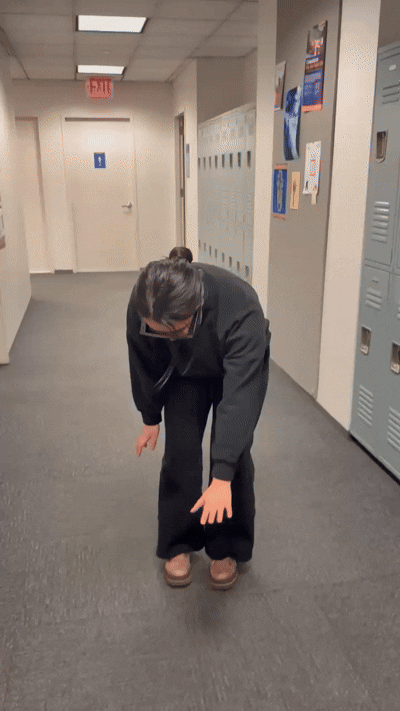
•Following the cat felt more natural and less stressful than using a screen.
•Testers easily understood what to do and how to follow the experience.
•The subtle paw trail and turn bubble gave just enough reassurance.
•The playfulness of the cat companion increased engagement.
Outcome & Next Steps
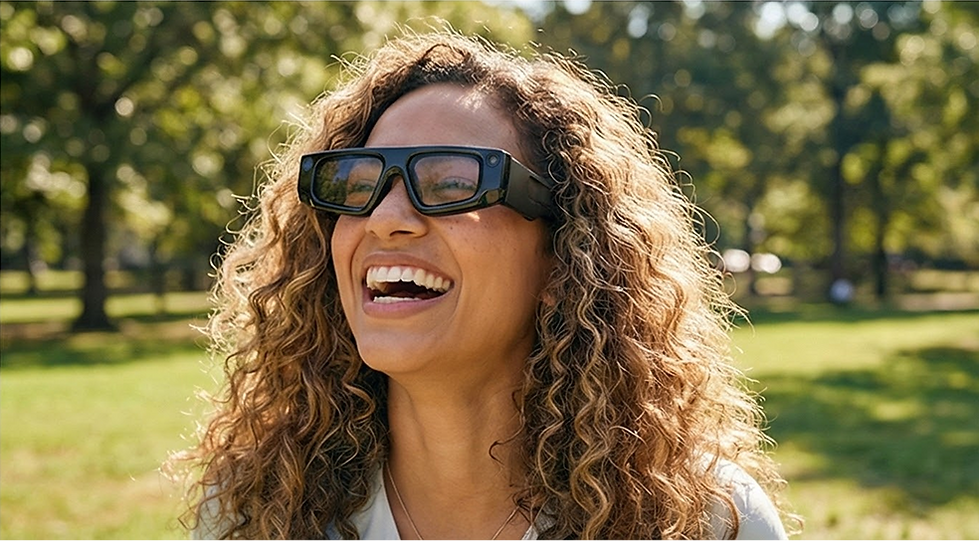
Delivered: a clear interaction model + UI language for companion-based spatial wayfinding on smart glasses.
Future visions include:
•Integrating with indoor maps for automatic multi-step routes.
•Supporting multi-modal cues (sound, haptics) to enhance accessibility.
•Adapting trail density and bubble frequency based on user familiarity.
Reflections
Designing for Spatial Trust
I learned that in XR, “clarity” is not just visual—it’s behavioral. Consistent anchoring, scale, and occlusion rules make guidance feel believable, which reduces hesitation and keeps users confident without adding UI noise.
Calm UX beats “More UI”
The biggest improvement came from subtracting, not adding: keeping cues lightweight, peripheral-friendly, and context-aware. Minimal prompts at the right moments created a smoother experience than constant, map-like instructions.
Anchoring is a Design Decision
World-locked, head-locked, and camera-locked elements each serve a distinct purpose. Choosing the right lock mode at the right time (route cues vs. confirmations) helped the interface stay comfortable, readable, and aligned with spatial UI best practices.
What did I learn from this project?
bottom of page