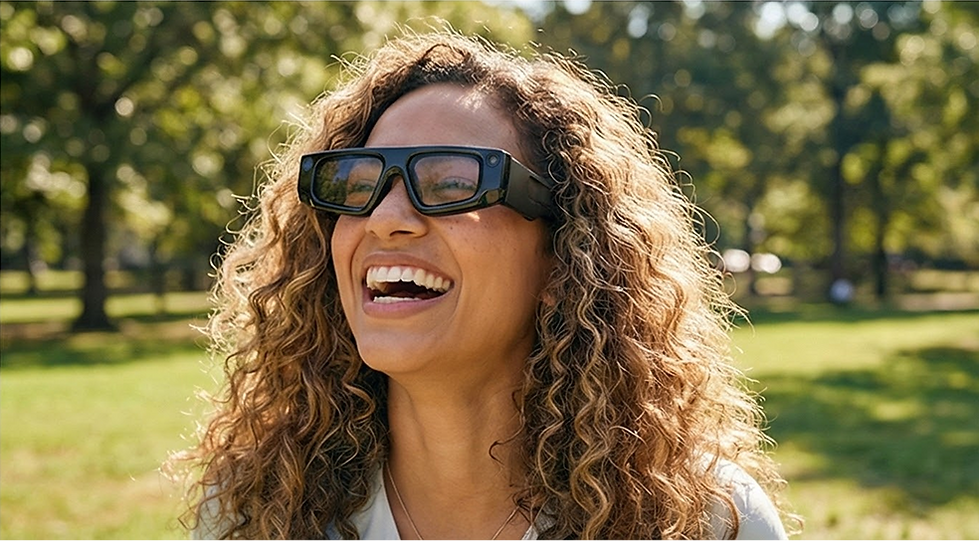
PawPath
Companion-Based AR Wayfinding
Project Type:
Self-Led Project
AR UX Research Project
Role:
AR Product Designer
Spatial Interaction Designer
Platforms:
Snap Spectacles
Lens Studio
Figma
Blender
Location:
New York, NY
Timeline:
Nov - Dec, 2025
PawPath is a companion-based AR wayfinding concept for Snap Spectacles. By replacing abstract 2D maps with a virtual cat guide, it transforms navigation into an instinctive, "hands-free" following experience. The project focuses on reducing cognitive load through spatial UI and ground-anchored cues for seamless indoor navigation.
Project Type:
Independent UX/UI Design & Branding Project
Role:
UX/UI Designer, Branding, Prototyping
Platforms:
iOS & Android Mobile App
Timeline:
8 Weeks
The Problem:
Most navigation experiences are designed as static 2D map interfaces. Even when AR is introduced (e.g., "live view" on a mobile phone), users must constantly switch their attention between a handheld screen and the real environment. This creates high cognitive load, and introduces social discomfort from holding a phone up in front of others.
Challenge:
With smart glasses, there is an opportunity to rethink wayfinding as "instinctive following" instead of "map reading." How might we create a companion-based AR experience that helps users navigate by following movement without blocking their primary field of view or overwhelming the scene with visual clutter?
PawPath
Companion-Based AR Wayfinding
Project Type:
Self-Led Project
Role:
UX/UI Designer · Spatial Interaction Designer
Platforms:
Snap Spectacles · Lens Studio · Figma · Blender
Location:
NYIT Digital Art & Design Campus
Timeline:
Nov - Dec, 2025
Project Overview:
PawPath is a companion-based AR wayfinding concept designed for Snap Spectacles.
Instead of reading a traditional 2D map or holding up a phone, users simply follow a small cat companion that walks ahead of them in the real environment. The project explores how spatial UI, ground-anchored cues, and lightweight gestures can reduce cognitive load and make indoor navigation feel more intuitive and playful.
Key Accomplishment
-
Reframed indoor wayfinding from map reading to instinctive following
Designed a companion-led navigation model for smart glasses to reduce cognitive load and hesitation at decision points. -
Built a calm, believable spatial UI system for real-space guidance
Created the companion guide, ground-anchored paw trail, and target point to keep cues subtle, legible, and trustworthy. -
Prototyped the end-to-end experience for Snap Spectacles
Delivered a working concept in Lens Studio, supported by Figma flows and Blender assets.

Problem: The Friction of 2D Wayfinding
Most navigation experiences are designed as 2D map interfaces. Even when AR is used (e.g., phone-based live view), users must constantly switch attention between a handheld screen and the environment. This creates friction and can increase:
-
Cognitive load – translating abstract symbols (blue lines, arrows) into real-world decisions.
-
Navigation anxiety – especially in crowded or complex indoor spaces.
-
Social discomfort – holding a phone up in front of others.


traditional reading 2D map vs. instinctive following
Design Opportunity: With smart glasses, there is an opportunity to rethink wayfinding as “instinctive following” instead of “map reading.”
-
How might a companion-based AR experience help users navigate by following movement, rather than parsing a map?
-
How can spatial UI be used to support wayfinding without blocking the user’s view or overwhelming the scene?
Goals
-
Replace map reading with instinctive following for indoor wayfinding.
-
Enable hands-free navigation with minimal attention demand.
-
Reduce decision-point hesitation and increase user confidence.
-
Keep spatial UI calm and non-obstructive through ground-anchored, context-aware cues.
Success Criteria
-
Users can complete a short route without checking a 2D map or phone.
-
Hesitation at corners/stairs stays under ~3 seconds.
-
Most users describe cues as “believable / non-distracting”

Problem:
Idea:
Indoor navigation makes people stop, hesitate, and constantly “re-orient” using 2D maps.
Replace map reading with instinctive following through a calm companion and environment-anchored cues.
Solution:
Outcome:
A cat guide + ground-anchored Paw Trail + Target Point that reinforces spatial trust.
A coherent spatial UI concept + prototype direction for hands-free wayfinding on smart glasses.

Companion Guide (Cat)
A small cat companion walks slightly ahead, slows or pauses at decision points, and re-orients to guide the user without demanding attention.
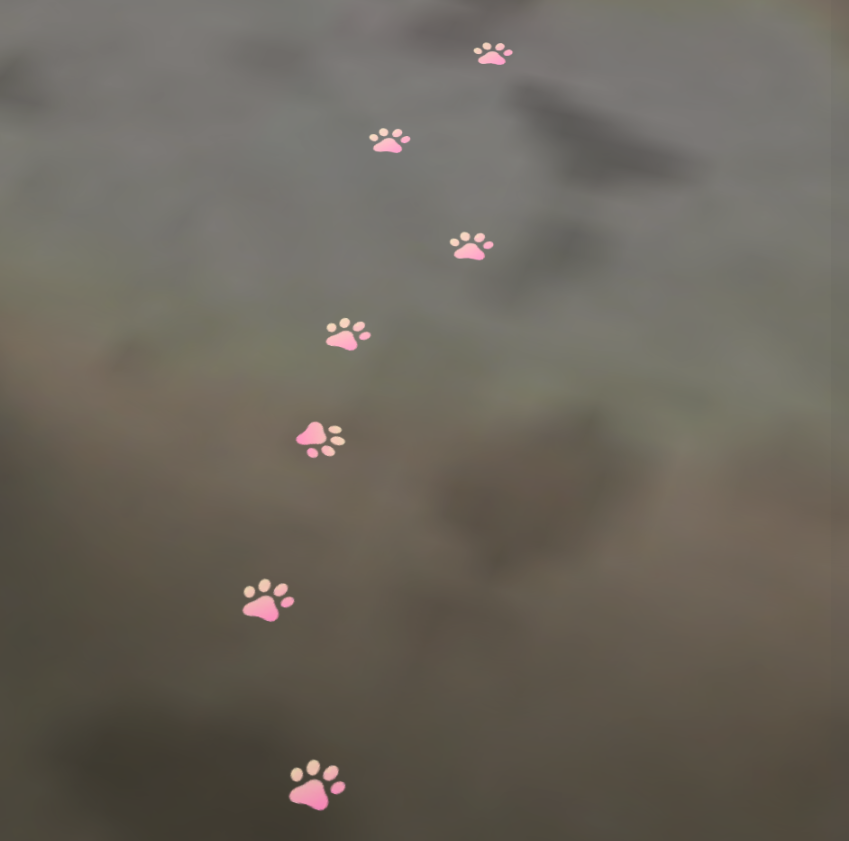
Paw Trail (Ground-anchored path)
A lightweight, low-opacity trail on the ground creates a “followable” route that feels connected to the space rather than floating UI.

Target Point (Destination confirmation)
A calm destination marker reassures users they’re going the right way and clearly communicates arrival.
The System
Key Interaction Moments

Start
User picks a destination (voice/search UI)

In-route:
Companion leads + trail reinforces direction.

Decision Points:
Companion pauses + cues tighten (more explicit, not louder)

Arrival:
Target point + “You’ve arrived” moment.

Start UI → Pick a destination → Follow
Minimal Start UI · Pinch to start
· One-tap destination · Cat leads
· Paw Trail appears
· Calm, low-effort, map-free
Spatial Trust + Decision Points
Scene-anchored behavior · Real occlusion
· Trust + realism · Key decision prompts
· Speech bubble guidance


Arrival + UI Anchoring
World-locked “You’ve arrived” card
· Clear completion
· World-locked cues · Head/Camera-locked confirmations
A scenario-based interaction framework used to validate
PawPath’s end-to-end flow across different spaces and destinations.


Competitive Landscape

Testing & Results
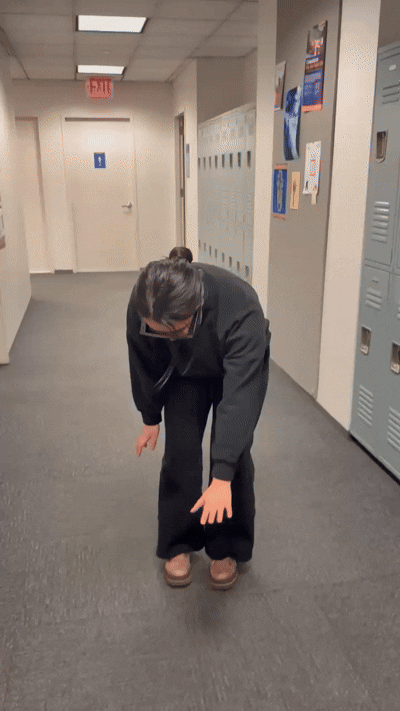
.jpeg)
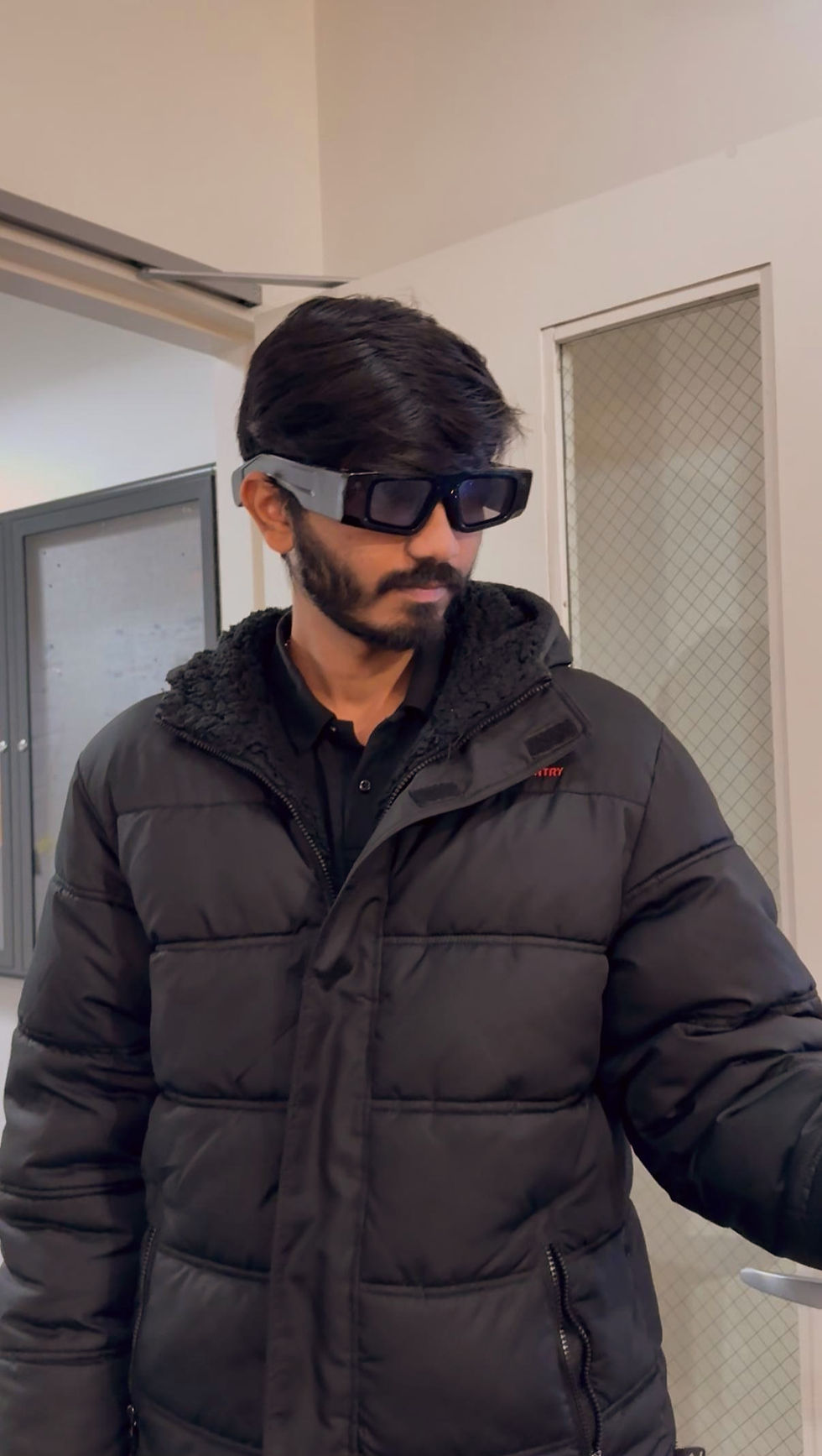
The only “issue”?
Our companion cat was so cute that some testers forgot the route and just wanted to pet it. 😺
What worked well:
•Following the cat felt more natural and less stressful than using a screen.
•Testers easily understood what to do and how to follow the experience.
•The subtle paw trail and turn bubble gave just enough reassurance.
•The playfulness of the cat companion increased engagement.
Outcome & Next Steps
Delivered: a clear interaction model + UI language for companion-based spatial wayfinding on smart glasses.
Future visions include:
•Integrating with indoor maps for automatic multi-step routes.
•Supporting multi-modal cues (sound, haptics) to enhance accessibility.
•Adapting trail density and bubble frequency based on user familiarity.